UPS hires several kinds of delivery drivers, so the first step is matching your experience to the right posting.
Most applicants apply through the official UPS Jobs site and follow the same basic online workflow.



Some roles include additional steps like a road test and a DOT physical, depending on the position.
Understand UPS Delivery Driver Roles
Many people mean Package Delivery Driver, which typically uses a standard driver’s license rather than a CDL.
UPS also hires tractor-trailer drivers, which may involve different qualifications and screening steps.
Job details like route length and start times vary by location, so read each posting carefully before applying.
When in doubt, rely on the role page and the posting itself because requirements can change by job type and country.
Package Delivery Driver vs Tractor-Trailer Driver
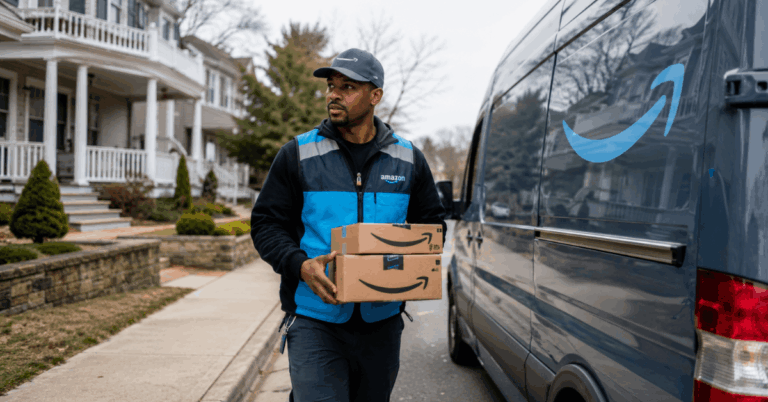
A Package Delivery Driver role is typically focused on local package delivery and customer stops.
The UPS role page states you generally need a valid driver’s license, and it notes a CDL is not required for package delivery.
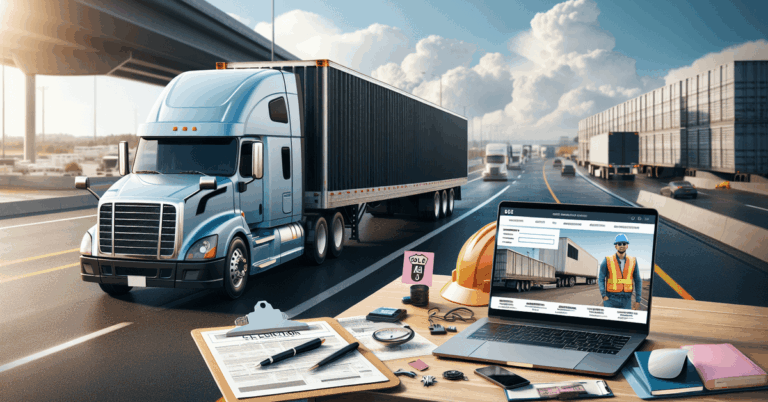
For tractor-trailer roles, UPS notes steps like scheduling a road test and DOT physical if you receive an offer.
Seasonal and other driver openings
UPS sometimes posts seasonal driver opportunities, which can open and close quickly based on demand.
The fastest way to confirm availability is checking active postings and setting alerts on UPS’s careers pages.
Always follow the requirements listed in the specific posting because seasonal roles can have different schedules and expectations.

Check Basic Requirements Before You Apply
UPS highlights that package delivery drivers need a valid driver’s license, so confirm yours is current.
Expect full workdays in many locations because UPS notes shifts are typically 8–10 hours depending on conditions.
Some roles require additional compliance steps, like medical evaluation, after you receive an offer.
If a posting lists a specific screening step, treat it as mandatory because it is part of UPS’s hiring workflow.
License, driving, and role-specific checks
The UPS driver role page explains that a CDL is not required for package delivery driver positions.
UPS’s application guidance notes that certain driver roles can involve a road test after an offer.
UPS also lists steps like a drug screen for roles where it applies, so be ready to complete it if asked.
Physical demands and schedule expectations
UPS notes delivery shifts can run 8–10 hours, so plan your availability around that range.
Traffic, route density, and customer demand can affect how your day runs, which is why the company describes variability by location.
If you need predictable hours, filter postings carefully and read the schedule language in each listing before applying.
Prepare What You Need for the Online Application
UPS instructs applicants to fill out an online application, and it notes that you may upload a resume to help populate details.
You should gather your basic personal information, address history, and work history so you can finish in one sitting.
UPS also notes that proof of identity and employment eligibility is submitted online before the first day for roles that require onboarding.
Having your documents ready reduces delays when you move from application to onboarding tasks.
Personal details and work history
The UPS hiring pages describe a standard flow where you complete the application and move into the next steps if selected.
Uploading your resume can speed up the form, but you still need to review it for accuracy before submitting.
Keep your contact details up to date, as hiring updates and instructions depend on reaching you quickly.
Identity and employment eligibility documents
UPS states you submit proof of identity and employment eligibility online before your first day when you are onboarding.
Use clear, legible document photos or scans so verification does not stall your start date.
Only provide information through official UPS hiring systems, not through third-party forms that are not linked from UPS sites.
Apply on the Official UPS Jobs Site
UPS’s hiring guidance starts with completing the online application on its jobs site.
You can search by location and role name, then open each posting to confirm the exact driver position and shift details.
After you apply, UPS may direct you to a short video or screening step as part of the process for certain roles.
If you receive an offer, you move into the required tests and onboarding tasks listed for that role.
Search and filter to find the right posting
Use UPS’s job listings to find active driver roles because openings can change frequently.
Open the job description and verify the role type so you apply to the correct driver track.
If you are applying in multiple locations, keep a simple record of which postings you submitted to avoid duplicate or inconsistent applications.
Complete the application and pre-screen steps
UPS describes a flow where you fill out the application and then proceed to next steps if selected.
For some driver roles, UPS notes that you may be asked to watch a short video as part of the early process.
Submit only once you have checked details like your license info and contact data, because corrections can slow review.
Complete Tests, Checks, and Onboarding Steps
UPS states that after an offer, some roles require scheduling a road test and a DOT physical exam.
UPS also lists a drug screen step for roles where it is required during the hiring process.
You will also complete online tasks like submitting identity and eligibility documentation before your first day, when directed.
Complete each step promptly, as hiring timelines often depend on how quickly screenings and paperwork are completed.
Road test, DOT physical, and drug screen
UPS explicitly mentions scheduling a road test and DOT physical exam after you receive an offer for certain driver roles.
UPS also notes a drug screen step, so be prepared to follow instructions exactly when it is requested.
If a step is not listed for your posting, do not assume it applies, because requirements can vary by role and location.
Background checks and first-day readiness
Expect onboarding steps such as uploading documents online, as UPS states they must be completed before the first day.
Track emails and portal messages to avoid missing deadlines for forms, scheduling, or confirmations.
Once cleared, UPS notes you may receive a uniform, which is part of being ready for day-one work.

After You’re Hired: Benefits and Where to Verify Details
UPS publishes a benefits overview and notes that benefits vary by role and location, so confirm what applies to your job.
UPS also highlights broader compensation themes like healthcare and retirement benefits as part of working at the company.
On its corporate site, UPS describes union employee benefits such as low- or no-cost healthcare coverage and pensions in general terms.
For the most accurate details, use the UPS posting and the official benefits pages rather than third-party summaries.
What onboarding and training can look like
UPS describes onboarding as part of the post-offer process, which can include completing required screenings and online documentation.
Follow all instructions in the portal carefully, as driver work depends on completing the compliance steps correctly.
If your role includes driving assessments, treat them like part of training because they confirm readiness for safe delivery of work.
Benefits overview and how to confirm your package
UPS’s jobs site lists common benefit categories like competitive pay, healthcare, and retirement benefits as part of being a “UPSer.”
UPS’s corporate benefits page also states that many union employees receive healthcare with $0 premiums, access to a pension, and paid time off.
Always verify details on UPS’s official pages, as exact eligibility and timing can vary by job classification and local contract terms.
Conclusion
Confirm the posting is a true UPS driver opening on an official UPS careers domain before entering personal information.
Prepare your resume, work history, and identity documents so you can move quickly through application and onboarding steps.
Apply, watch for next-step instructions, and complete any required tests like a road test, DOT physical, or drug screen if your role requires them.